Shared expenses, with your usual split built in.
Split expenses and Eider applies your usual split, then tracks what each person owes. Settle with one person whenever you need to, while the rest of the nest keeps going.
Core features are free, with no member or expense limits.
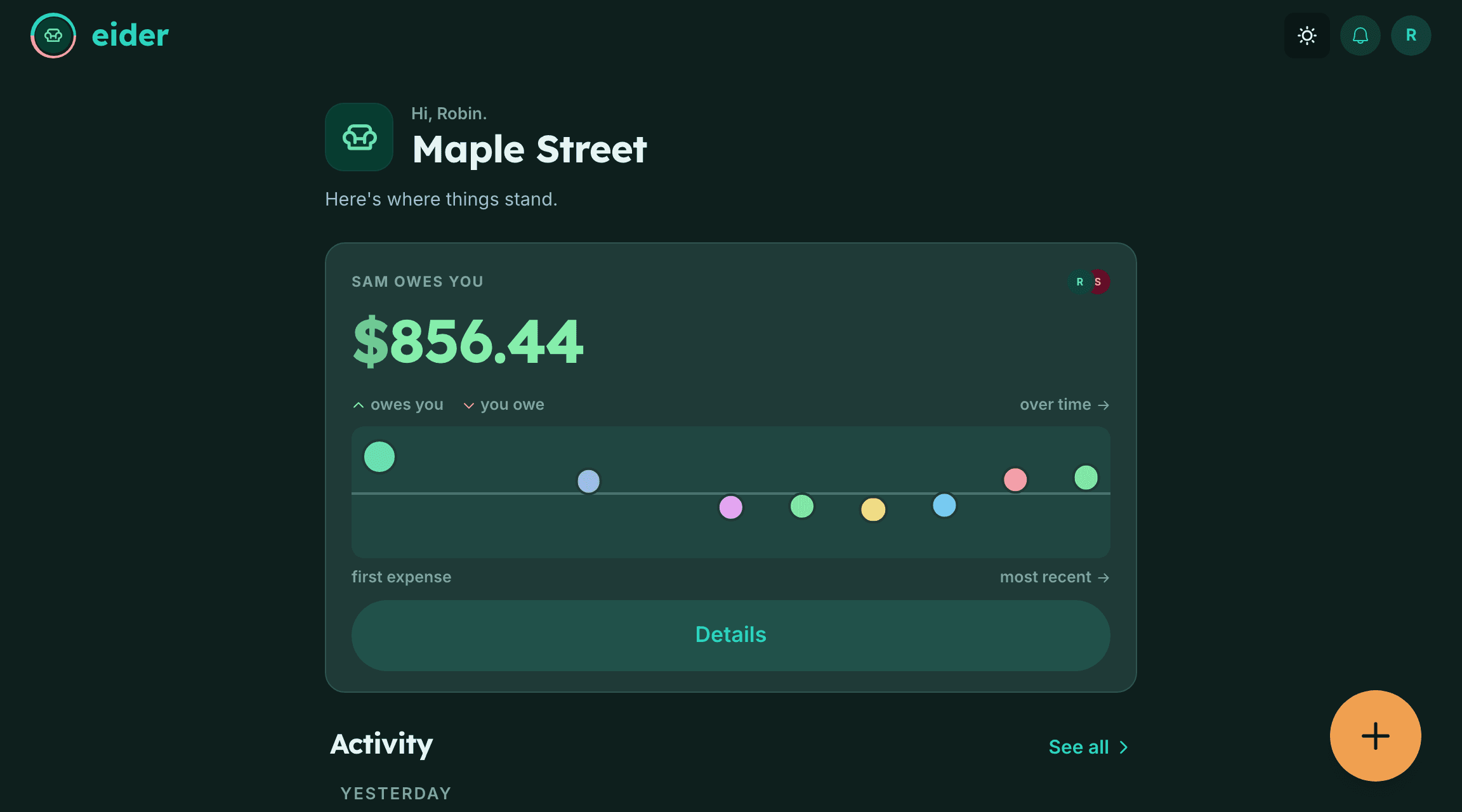
Use Eider on the web, iPhone, or Android.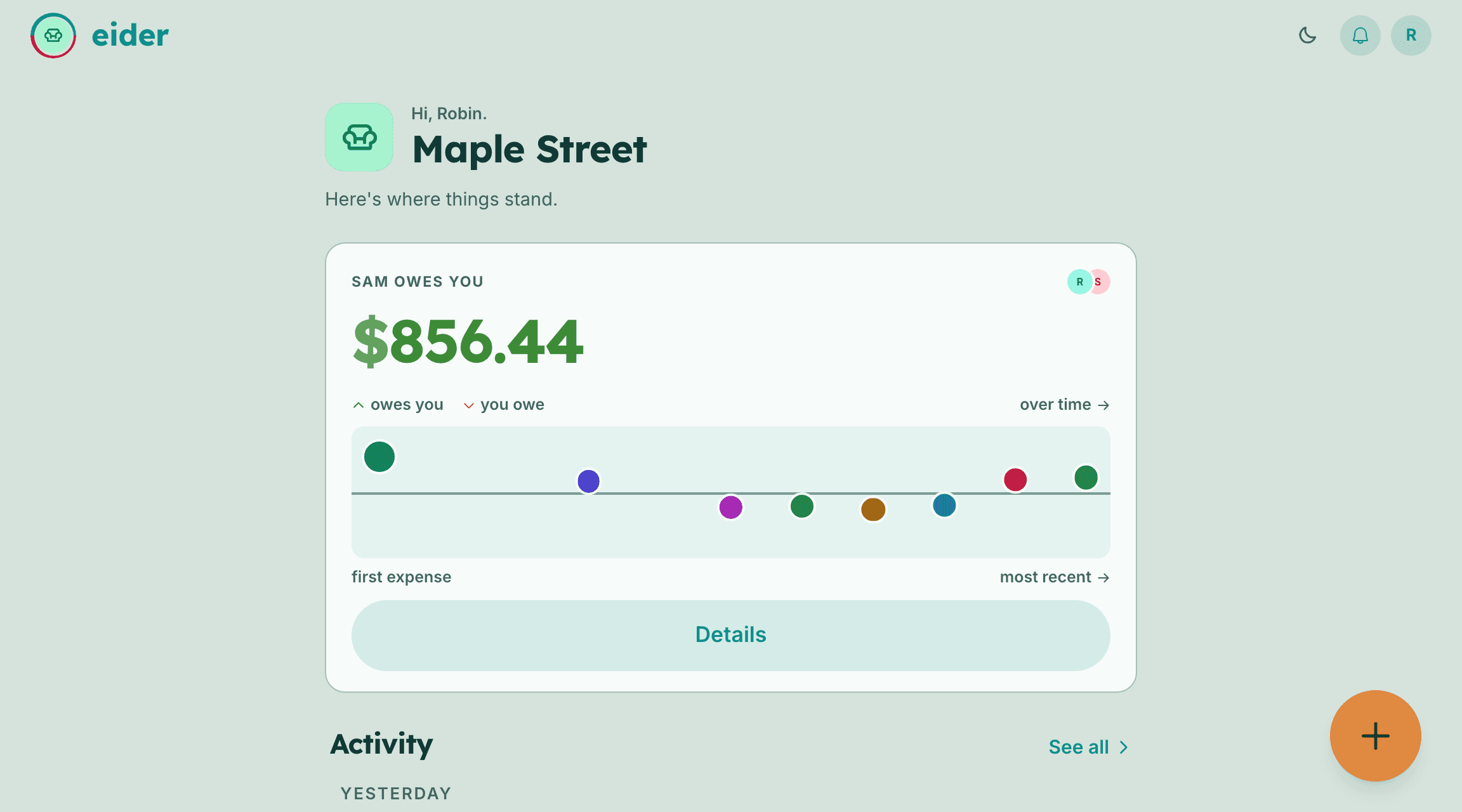
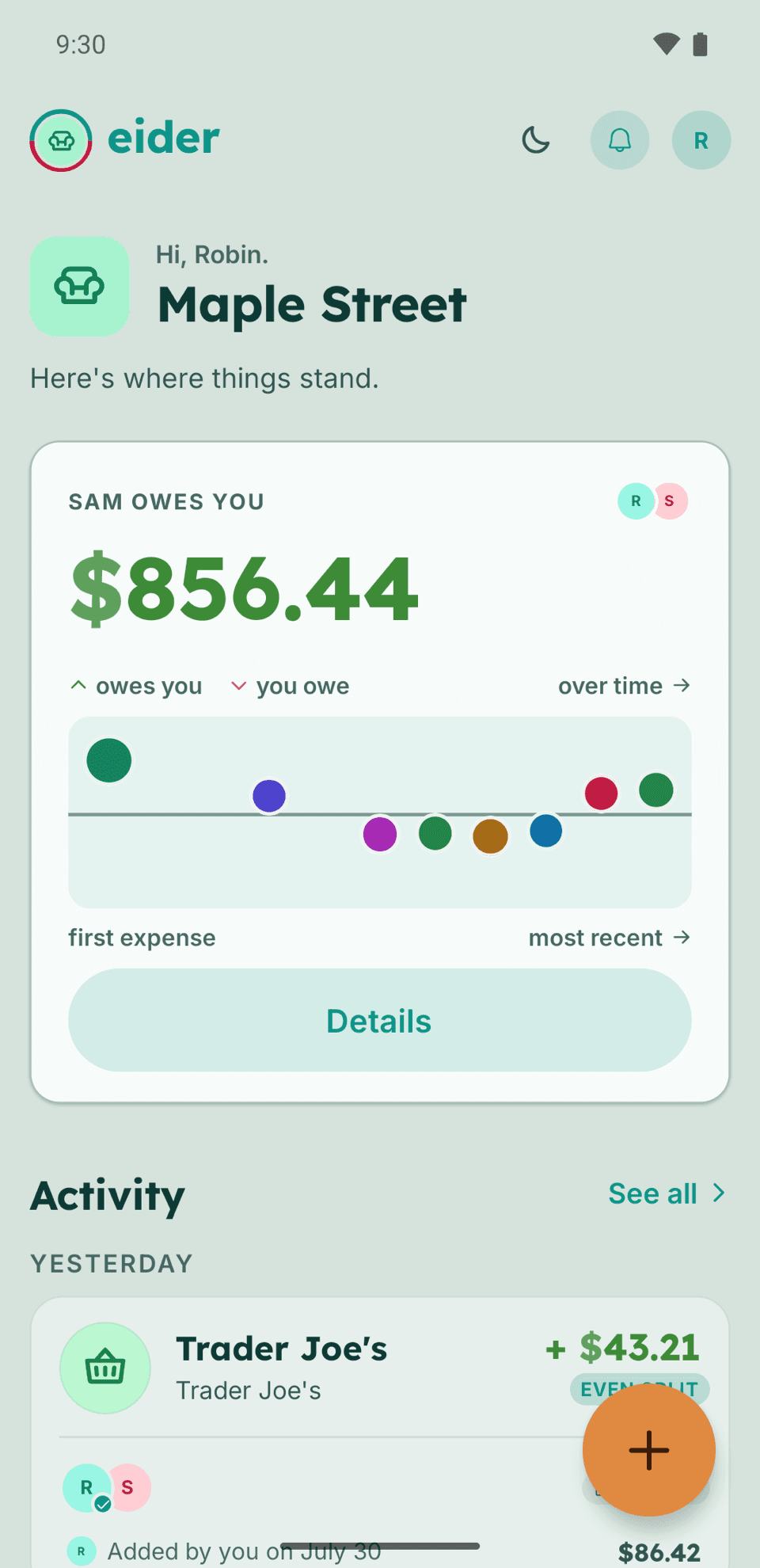
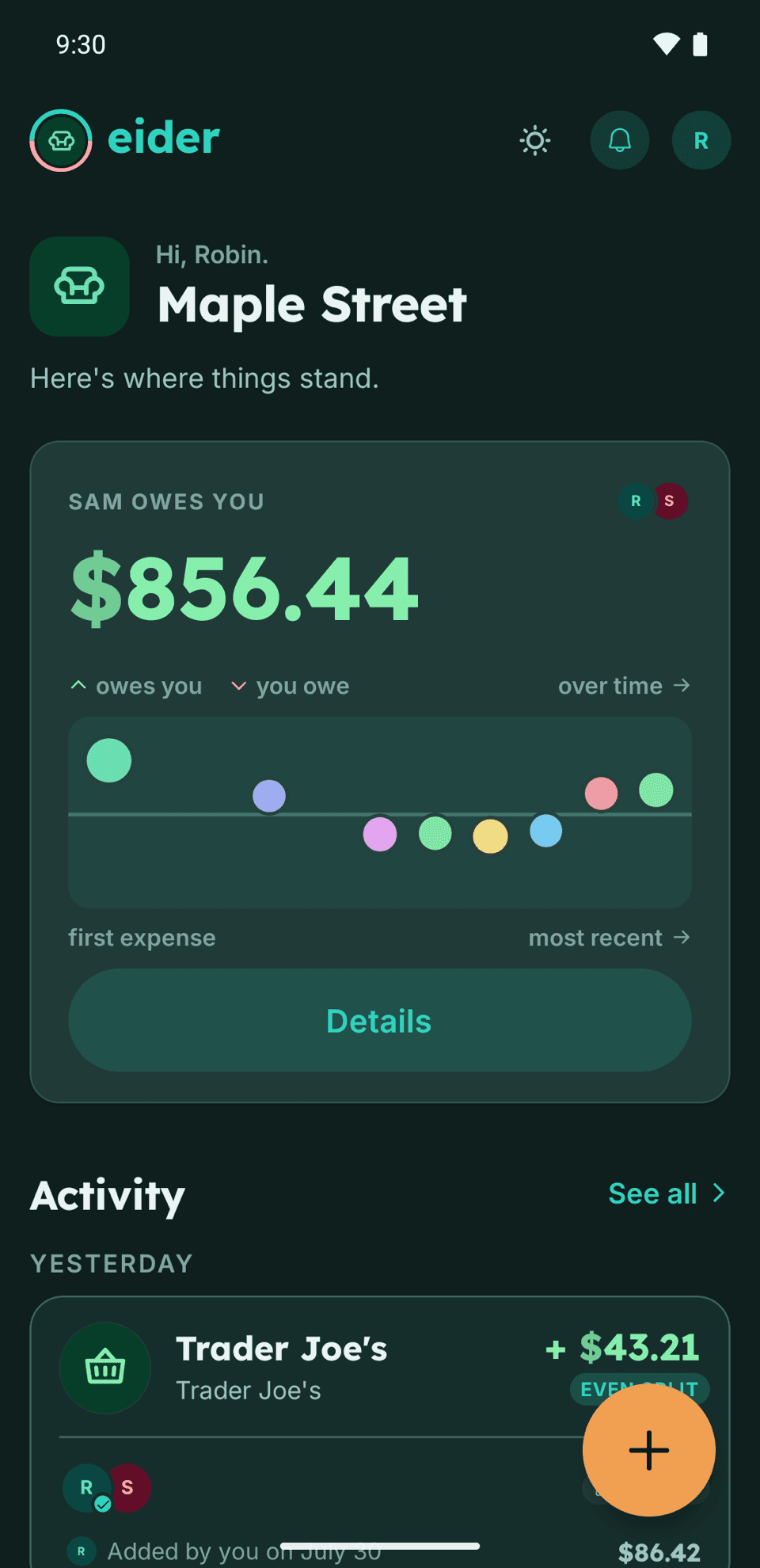
Keep sharing costs without member or expense limits.
The free product includes the tools for keeping a shared record, from your standing split to repeating bills and recorded payments. What's free today stays free.
- Unlimited expenses
- Unlimited members
- Repeating expenses
- Individual expense overrides
- Running balances between people
- A standing split you set once
- Each pair can settle independently
- Full history and filters
- Web, iPhone, and Android
- No third-party ads
Add shared costs. Keep track as you go.
Add an expense
Enter the cost and who paid. Your standing split supplies the usual division, with an override if this expense is different.
See what each person owes
Balances update as expenses and payments are recorded. Everyone in the nest can refer to the same shared record.
Pay someone and record it
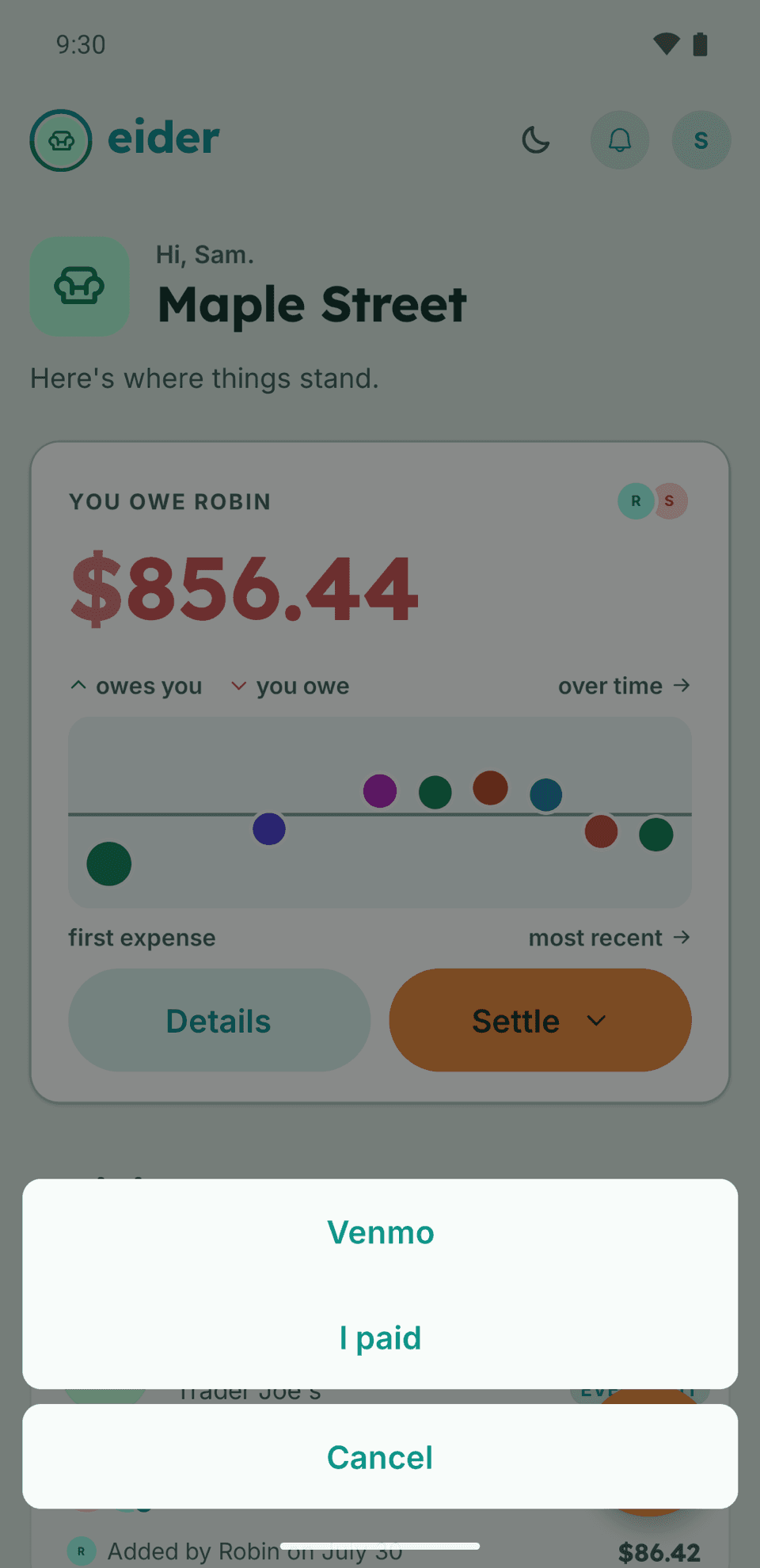
Pay through your bank, a payment app, or cash, then record the payment in Eider. Other pairs can settle at their own pace.
Your expenses, splits, and balances in one place.
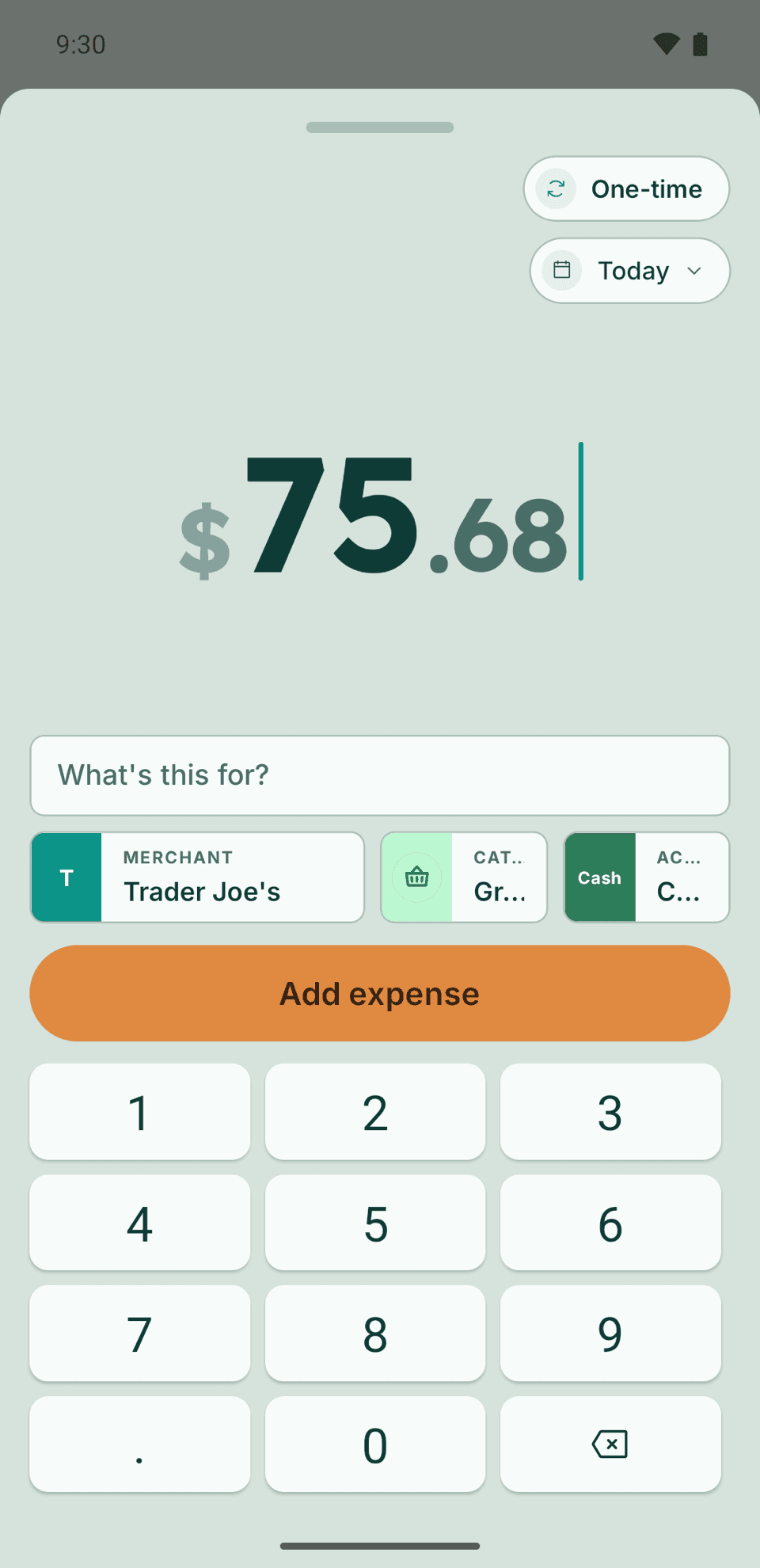
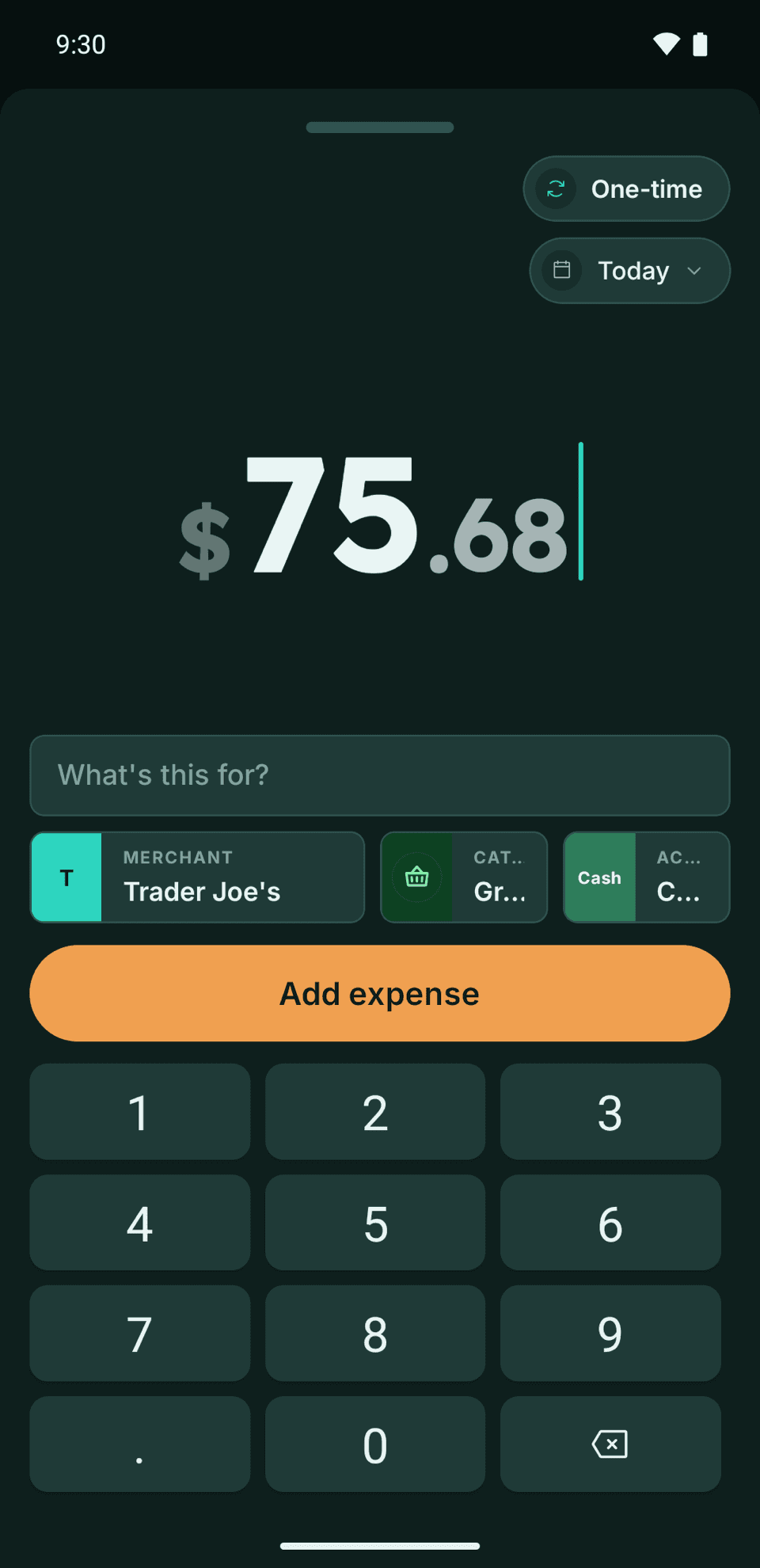
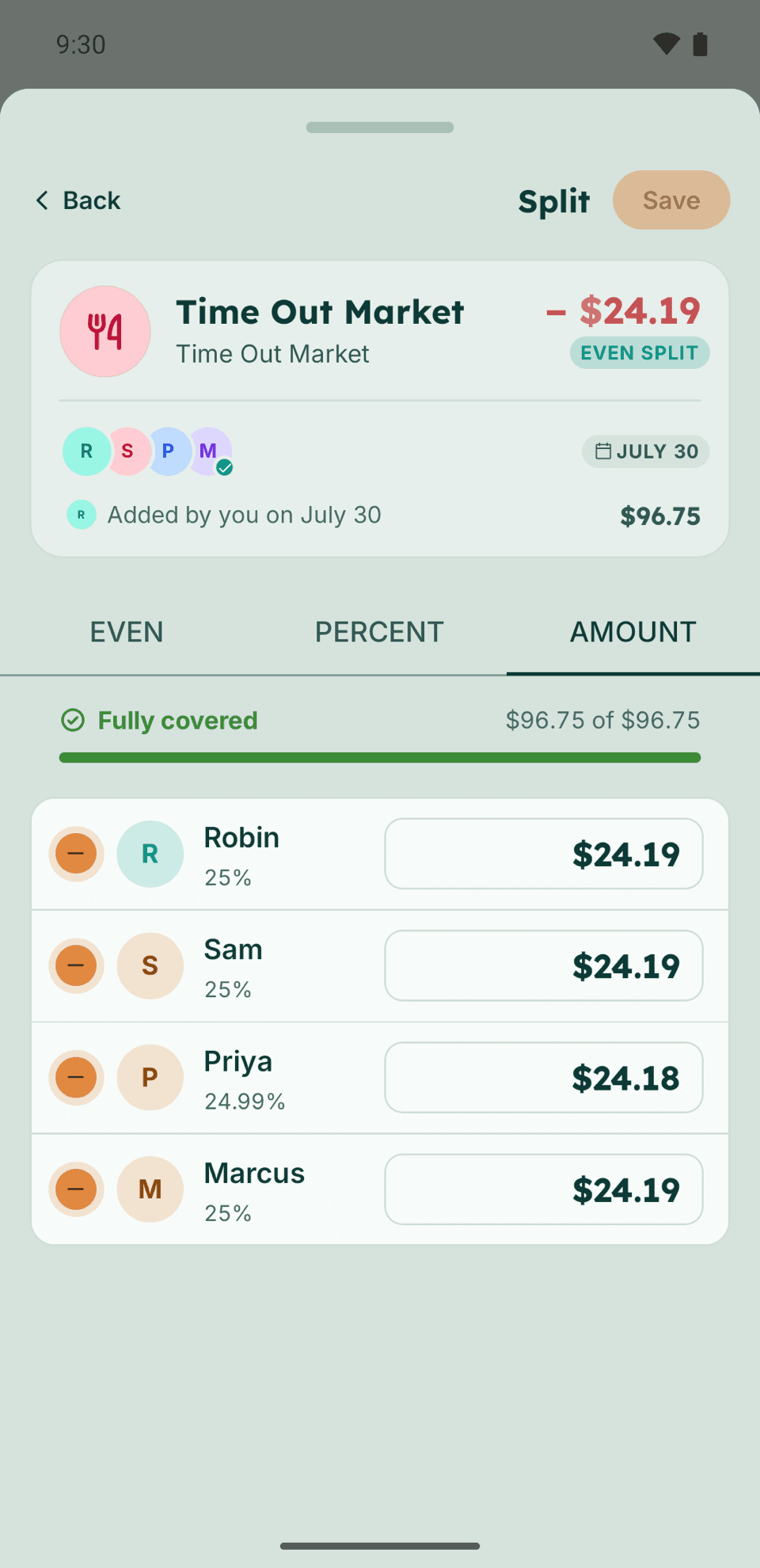
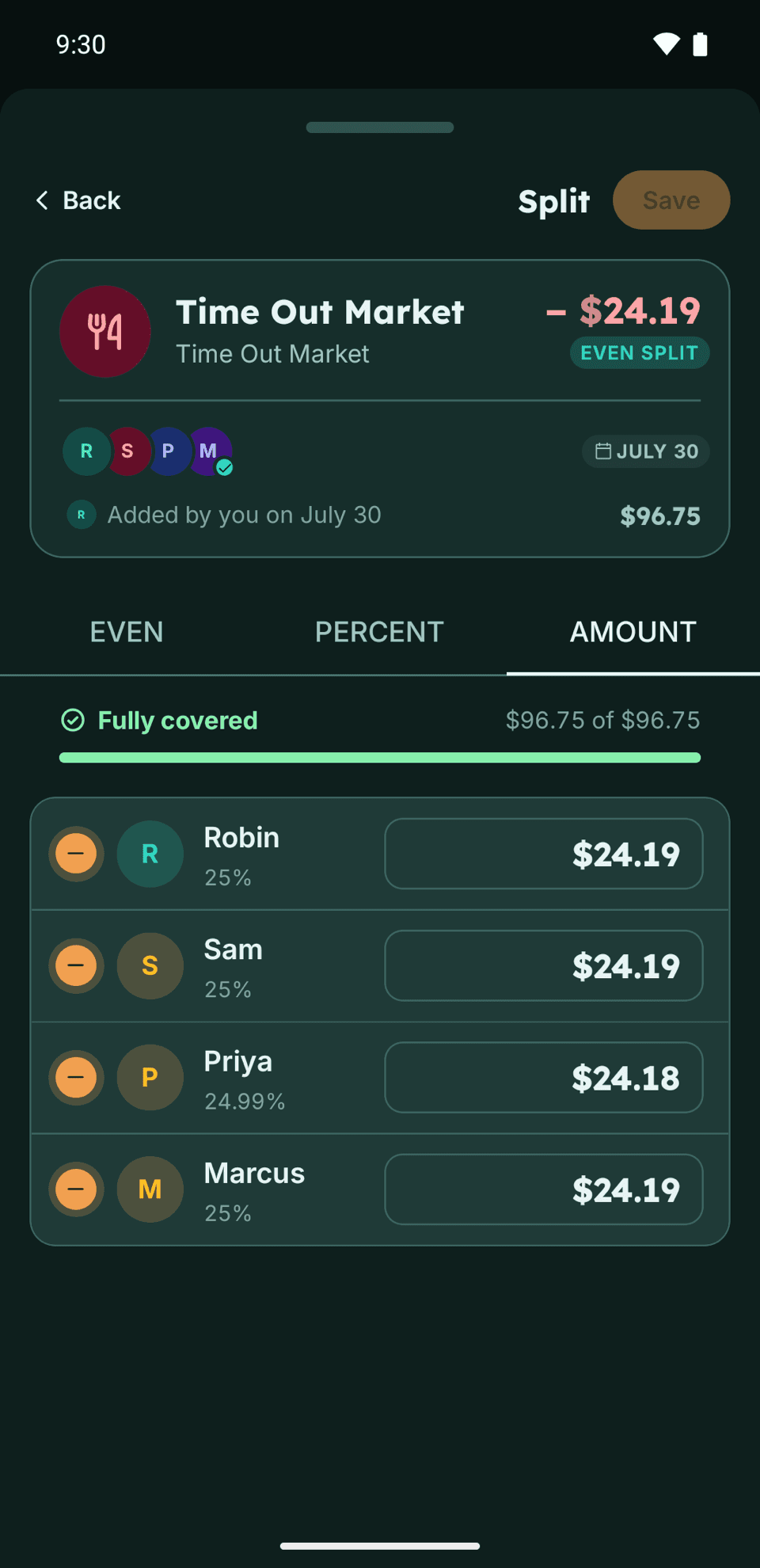
- Add
Your usual split is ready.
Enter the amount, use the suggested category if it fits, and keep or adjust the division.
- Split
Use the arrangement that fits.
Divide costs evenly, by percentage, or by exact amounts. Adjust one expense without changing the nest's standing split.
- Balance
See the balances between people.
The record reflects expenses and payments added so far, including who paid and how each cost was divided.
- Settle
Settle with one person at a time.
Record a payment against a person's balance. The period closes automatically only when every pair is square.
- Add
Your usual split is ready.
Enter the amount, use the suggested category if it fits, and keep or adjust the division.
- Split
Use the arrangement that fits.
Divide costs evenly, by percentage, or by exact amounts. Adjust one expense without changing the nest's standing split.
- Balance
See the balances between people.
The record reflects expenses and payments added so far, including who paid and how each cost was divided.
- Settle
Settle with one person at a time.
Record a payment against a person's balance. The period closes automatically only when every pair is square.
For people who share costs and keep separate finances.
Keep track of what you each pay, whether you share a home, a trip, or regular bills.
Trips with friends
Keep the accommodation, dinners, and travel costs in one shared record, even when different people pay.
No member limitEider for tripsRoommates
Track rent, internet, and groceries together. Each pair can settle independently as the bills continue.
Add everyone sharing the costsEider for roommatesCouples with separate accounts
Set your usual division for rent, groceries, and the vet. New expenses use it automatically, with room for exceptions.
Save your standing split onceEider for couples
Keep the arrangement and the expenses together.
- Evenly, by percentage, or by exact amounts
Even or by percentage on the nest. Exact amounts on a single expense.
- A standing split
New expenses use it. Change one without changing the standing split.
- Repeating expenses
Rent, utilities, and subscriptions on schedule, fixed or variable.
- Full history and filters
Find past expenses and check how they were divided. No archive tier.
- Independent settling
Pay one person and record it. The rest of the nest carries on.
- Before they join
Name the other member and track expenses without waiting for them.
Pay as you normally would. Keep the record in Eider.
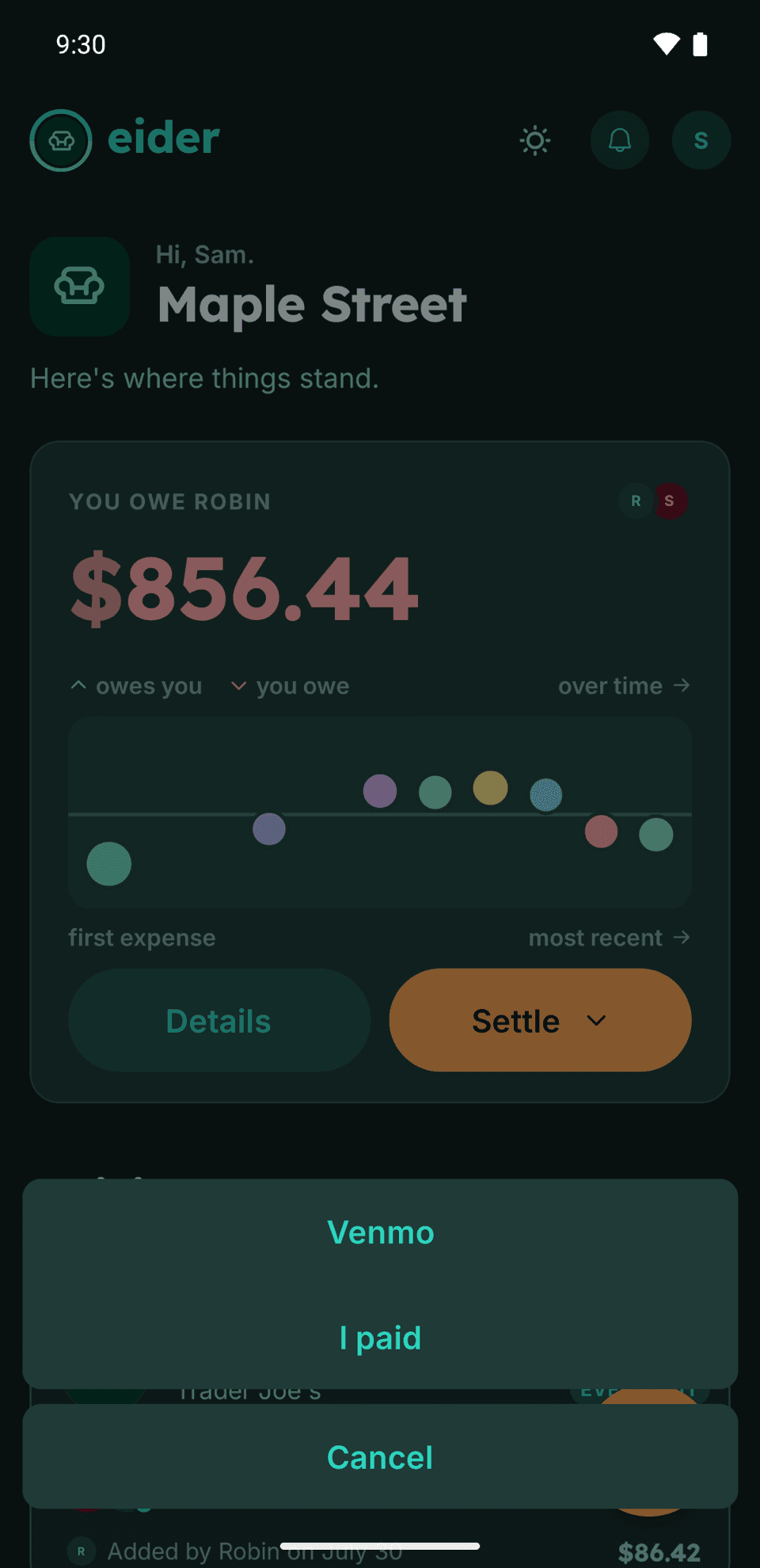
Use your bank, a payment app, or cash, then record the payment against the person involved. Eider also provides a link to Venmo.
Pay through your bank, a payment app, or cash.
Eider records expenses and payments. It never holds or transfers money.
- What can I use for free?
- Nests, expenses, standing splits, repeating expenses, history, and settling up are free, with no member or expense limits. Plus is planned to add features on top. What's free today stays free.
- Does Eider move money?
- No. Pay through your bank, a payment app, or cash, then record the payment in Eider. There's also a Venmo link.
- Can more than two people share a nest?
- Yes. There's no member limit. Each pair has its own balance and can settle independently. A period closes when every pair is square.
- What if the other person doesn't join?
- Name them yourself and add shared expenses as usual. Eider keeps the balance between you, and they can join whenever they're ready.
Why Eider?
An eider is a sea duck that lines its nest with down.
The name gave us a word for the shared space where you keep expenses: a nest.
- Money is a tense subject
- Splitting it should not be. Eider is built to feel soft, not sharp.
- Down, not feathers
- The soft under-layer, not the outer quills. Different material entirely.
- Gathered, not taken
- In Iceland it is collected by hand after the ducklings have gone.
Receipt tools and spending insights are planned for Plus.
The shared record, standing splits, repeating expenses, and settling up will stay free.
Scan a receipt
Use a photo to fill in receipt details, then review them before adding the expense.
Split by item
Assign individual receipt items to the people sharing them, instead of applying one division to the whole bill.
Review your spending
See your spending patterns over time, with insights available to the Plus subscriber.
An annual Plus membership will also cover receipt scanning and split by item for everyone in your nests. The receipt library, spending insights, bank sync, and early access will stay with the subscriber. What's free today stays free.
Start a shared record for the costs you share.
- Web
- Open in your browser
- iPhone
- Download on the App Store
- Android
- Get it on Google Play